Search Results for "visualizer 3d studio"
Importing Scan Data from the eXp 5500 | V3DS Tutorial
Learn how to connect the OKM eXp 5500 to your computer and transfer data for use with Visualizer 3D in...
Transfering Scan Data via Bluetooth Dongle | V3DS Tutorial
Learn how to easily transfer scan data from your Rover C2 to your PC with our step-by-step video guide, featuring...
Graphical User Interface | V3DS Tutorial
In this video, join OKM expert Frank as he provides a detailed walkthrough of the Visualizer 3D Studio software's graphical...
V3DS Introduction
Visualizer 3D Sudio offers archeologist and treasure hunters the posibility to visualize and precisely analyze their Scans.

Research Project: Real-Time 3D Visualization for Magnetic Field Sensors
In Altenburg, OKM is developing software for a new generation of its own magnetic field sensors: real-time data streaming and...
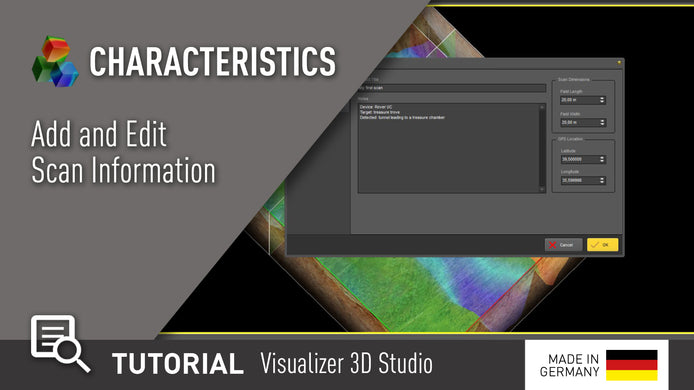
V3DS Quick Tutorial Scan Information
In this tutorial we show you how to edit the scan information in Visualizer 3D Studio.
V3DS Quick Tutorial Installation
Before you can analyze your scans with OKM´s Software Visualizer 3D Studio you need to install and activate it.
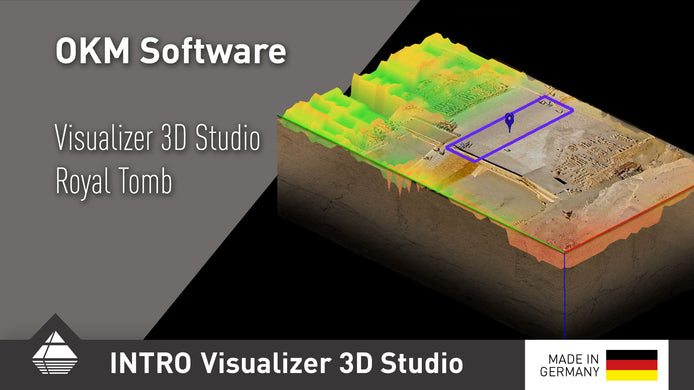
V3DS Royal Tomb
Today we want to show you an example of an analysis of a royal tomb.
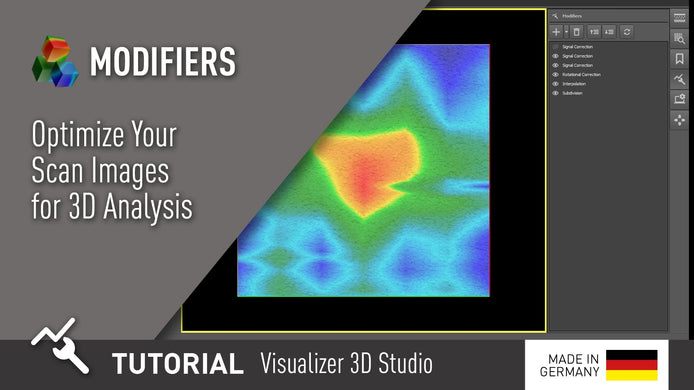
V3DS Tutorial | 3D Analysis: Modifiers
Modifiers are special functions that you can use to optimize your scan images based on the recorded measuring values. In...
Preferences | V3DS Tutorial
In this video, our detector expert Frank Casser takes you through an in-depth walkthrough of the Visualizer 3D Studio preferences...
Import Scan Data via USB Cable | V3DS Tutorial
Learn how to easily transfer data from your OKM 3D Ground Scanner to your PC with this step-by-step tutorial featuring...

Data Import Methods | V3DS Tutorial
Learn about different data transfer methods for importing your detector data into Visualizer 3D Studio, including USB, Bluetooth, and USB...