eXp 6000 Quick Tutorial Viewing Measurements
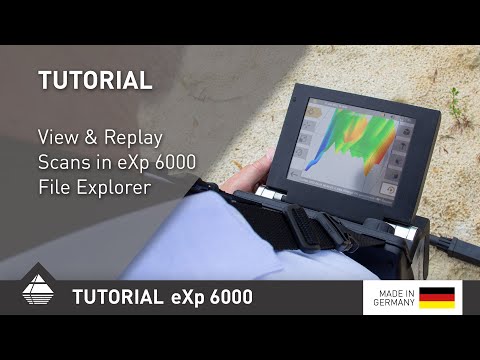
With the File Explorer on the OKM eXp 6000 you can view or tranfer your scans to the included Windows notebook. With our newly integrated feature Replay you can now reproduce how the scan was created line by line. Target objects that were scanned at the beginning of the scan but covered up by stronger signals can now be made visible with the Replay function. In this Tutorial we show you how you can use the new feature for your analysis.
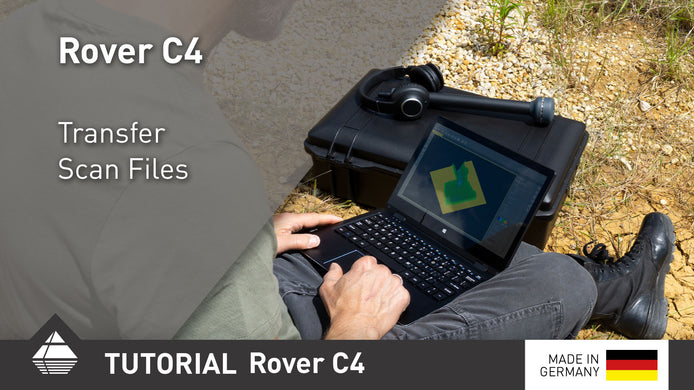
Rover C4 Quick Tutorial Transfer Scan Files
After performing your scans, transfer them to the Windows notebook via Bluetooth for further analysis.

Quick Scan Check: 3 Scans reveal Potential Target Object
OKM eXp 6000 Scans 4–6: Clear anomaly detected despite distortions. Learn how scan values reveal a possible ferromagnetic object and ...

Quick Scan Check: 3 Scans Show Significant Red Signal
OKM eXp 6000 Scan Analysis: Three scans reveal a consistent orange-red anomaly in the same position, indicating a potential target. ...